Desktop Golfer 2D
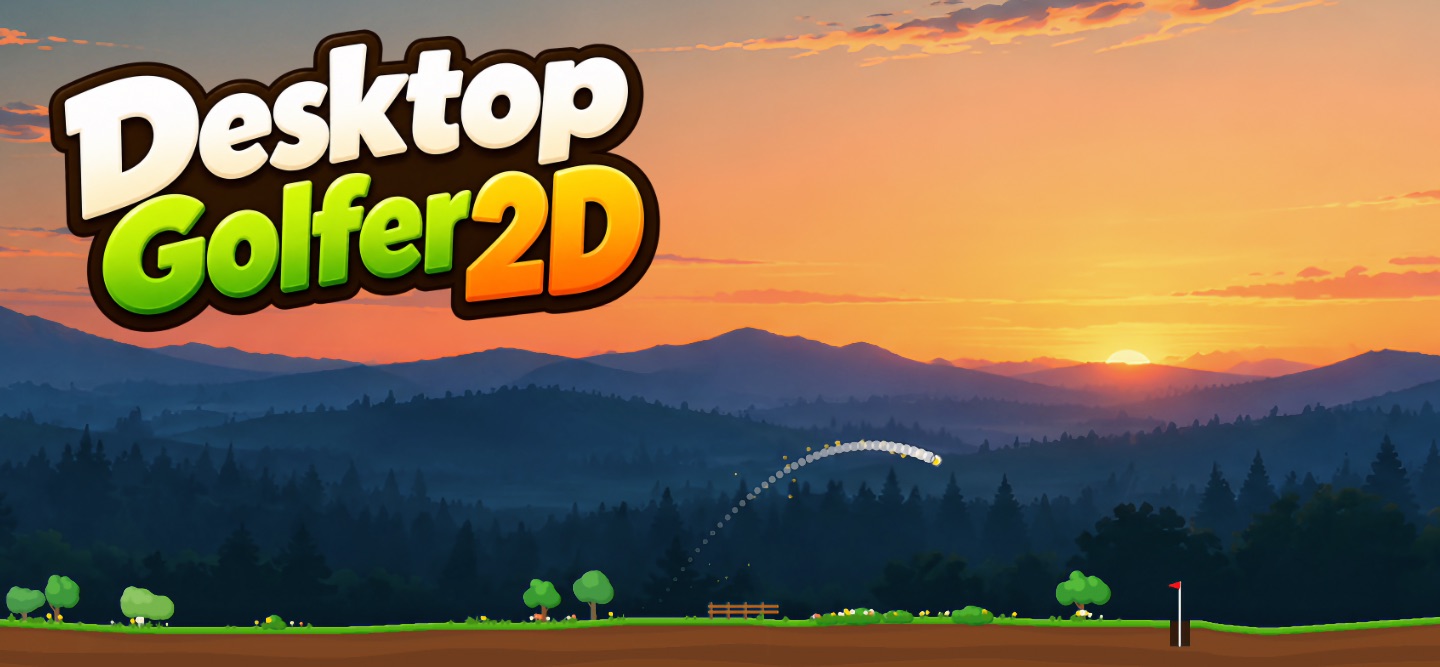
A side-view golf game played along the bottom of your desktop, for a break between tasks.
How to Play
- Drag from anywhere on the ground toward where you want the ball to go, and let go to shoot.
- Hit the ball high to put backspin on it, so it stops sooner on the green.
- Play on from where the ball stops, until it drops in the cup.
- Clicks on the sky go through to the windows behind, so you can keep working with the course on the screen.
FAQ
How do I open the menu?
Right-click the course, or click the icon of the game in the menu bar.
How do I quit?
Choose “Quit Desktop Golfer 2D” from the menu.
The course is hidden behind other windows.
Turn on “Keep on Top” in the menu.
I want to play on another display.
Choose the display from “Display” in the menu.
A hole is too hard.
Choose “Skip Hole” from the menu to go on to the next one, or “Restart Hole” to try it again.
Where is my record kept?
On your Mac, in the game’s own data folder. See the Privacy Policy.
Support
For questions, problems or suggestions, write to support@xord.org. Including the versions of the game and macOS helps.
© 2026 xord.org